

Collect card payments with your Android phone.
Any NFC-enabled Android on Android 11 or above becomes the terminal — Pixel, Samsung Galaxy, OnePlus, Oppo, Xiaomi and more. Visa, Mastercard, Amex and Discover, tapped and approved on the spot.
The supported-device list reads like a phone store.
Visa, Mastercard, American Express and Discover — contactless cards and wallets, with issuer contactless limits the only caps.
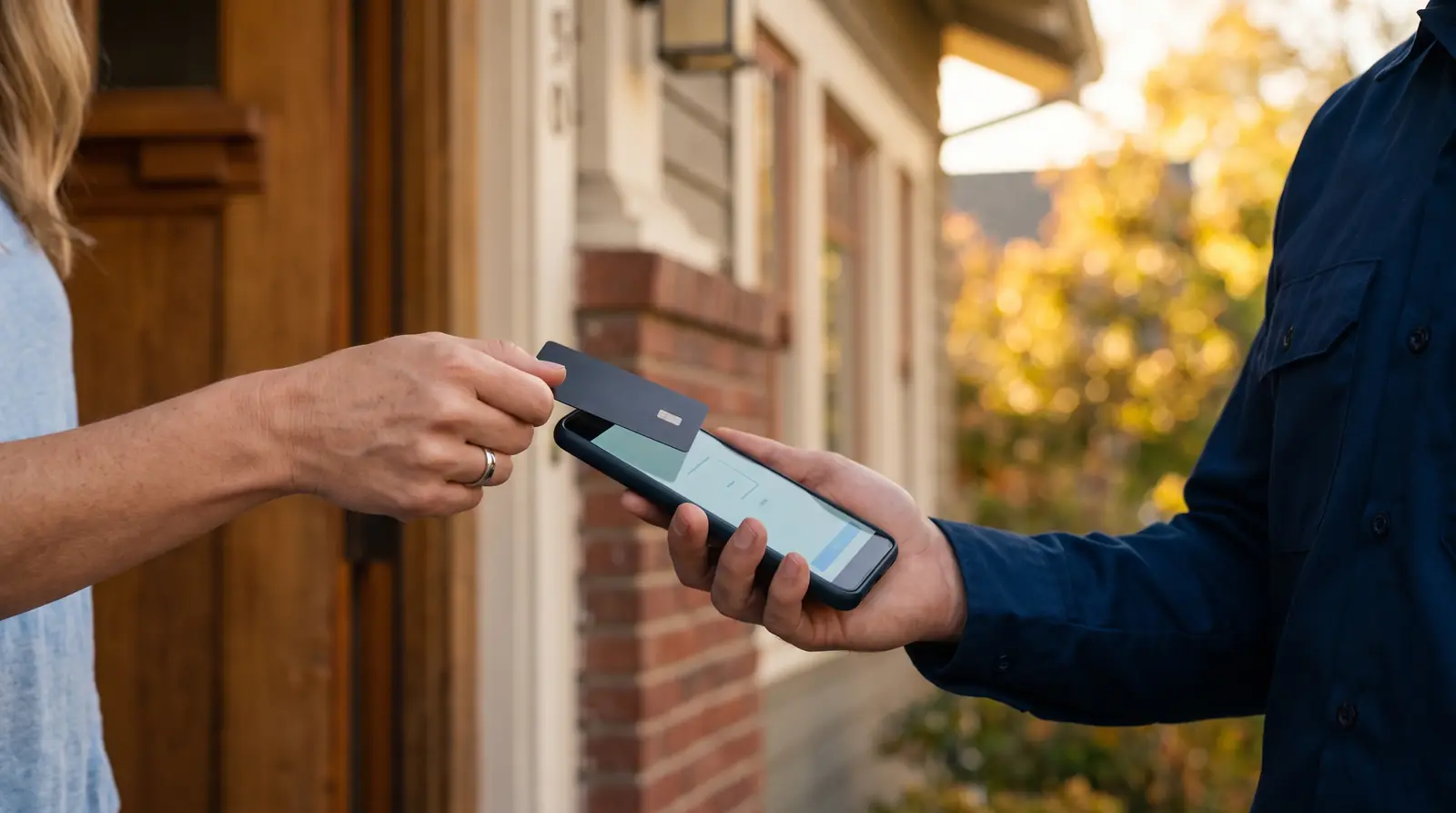
Built for crews, not counters.
- Supported across Google Pixel, Samsung Galaxy, OnePlus, Oppo and Xiaomi ranges
- The business name on the tap screen is your Team Name — editable anytime
- No ScanPay-specific amount limit on Tap to Pay
- Lost phone? One email to support holds the account; mobile auth blocks access
Tap to Pay on Android, answered.
01What is Tap to Pay?
Contactless acceptance on the phone you already carry: customers tap their card, phone or watch on your iPhone or Android and the payment is approved on the spot. No terminal, dock or dongle.
02What are the requirements?
iPhone: XS or later on iOS 16.7+. Android: functioning NFC on Android 11 or above — supported across Pixel, Samsung Galaxy, OnePlus, Oppo, Xiaomi and more.
03Does Tap to Pay cost extra?
No. It is the same flat 2.5% as every ScanPay in-person transaction — there is no Tap to Pay surcharge and no ScanPay-specific amount limit (card issuers may set contactless limits).
04How do I apply for Tap to Pay?
You don’t — every approved ScanPay account gets Tap to Pay automatically on eligible devices.
05What if I lose my phone?
Email support@goscanpay.com and the team will hold your account. Mobile authentication blocks anyone else from getting in.
06Whose name shows when the customer taps?
Your Team Name — editable anytime under Manage Team, so the brand on the tap screen is yours.